GTA 6 First-Person Mode: Is There One and How to Use It
GTA 6 has no full first-person mode. How the hidden first-person views work: L2 + R3 while standing still, aiming with a sight, and the phone while driving.
- Status
- Confirmed
- Updated
- Read
- 3 min

On this page 8
GTA 6 does not have a full first-person mode: you cannot walk, run or fight through the character's eyes as you can in GTA 5. What it has instead is a set of limited first-person views that most players never find. This page explains each one, the buttons for PS5 and Xbox, and what is still unknown.
First-person views at a glance
| Situation | PS5 | Xbox | Limit |
|---|---|---|---|
| Standing still | Hold L2, click R3 | Hold LT, click the right stick | Ends when you move |
| Aiming a weapon with a sight | Aim with L2, click R3 | Aim with LT, click the right stick | Needs an optic on the gun |
| Driving | Up on the D-pad (phone out) | Up on the D-pad | The phone covers part of the screen |
The standing view
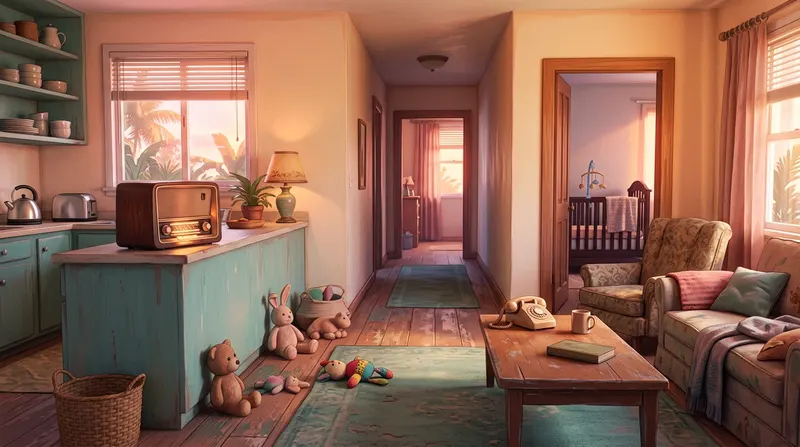
Stand still, hold L2 and click R3. The camera moves to first person and you can look around freely. As soon as you walk, it returns to third person.
VGC words the input slightly differently: press L2 to zoom, then click L3 and R3 together. It also explains why the order matters: clicking both sticks without holding L2 first starts focus mode and drains the focus meter. If one version does not work for you, try the other.
Tip: VGC recommends this view for looking closely at details in the world.
Aiming down sights
With a weapon that has a sight, aim with L2 and click R3 to look through it. PowerPyx and GamerFuzion both say you need an optic fitted, which you buy from the clerk at a gun store. See GTA 6 weapons for what is on sale and Gear Up for your first visit to a gun shop.
Driving with the phone out
Press Up on the D-pad while driving to take out the phone. The camera goes to a first-person view from the driver's seat. PowerPyx says this is the only way to drive in first person; GamerFuzion notes the drawback, which is the phone itself in the middle of your view. VGC adds that the camera goes first-person in certain vehicles, without naming them.
What you cannot do
- Walk, run, swim or fight in first person.
- Lock the camera to first person in the settings. Insider Gaming points to Settings > Camera, but the option there is third-person camera height.
- Play a whole mission in first person.
Claims we could not confirm
Insider Gaming says holding Down on the D-pad cycles through three camera modes. GamerFuzion checked the control layouts and found Down assigned to quick navigation instead. With one source for and one against, we are leaving it out of the table.
Will a first-person mode be added?
Rockstar has not announced one. Two guides speculate that it could come later, and both say plainly that it is a guess. The only relevant history is GTA 5: it launched in 2013 without first person and gained it with the PS4 and Xbox One version in 2014. A PC version of GTA 6 has not been announced either.
Settings worth changing instead
If you wanted first person for a closer, more immersive view, try lowering the third-person camera height under Settings > Camera. For everything else in the first hours, see the beginner's guide; for what the pad can do, see GTA 6 controller.
Frequently asked questions
Does GTA 6 have a first person mode?
Not a full one. Four launch guides agree that you cannot play GTA 6 in first person the way you can in GTA 5. There are limited first-person views when standing still, aiming with a sight and driving with the phone out.
How do you go first person in GTA 6?
Stand still, hold L2 (LT on Xbox) and click the right stick. Moving ends the view. VGC describes it as L2 followed by clicking both sticks.
Can you drive in first person in GTA 6?
Only with the phone out. Press Up on the D-pad while driving and the camera moves to a first-person view with the phone on screen, according to PowerPyx and GamerFuzion.